




Transmission Control Protocol and User Datagram Protocol are two types of network protocols that can be used in file sharing. You can choose whether you want TCP or UDP for VPN when setting up routers or configuring firewalls.
In order to choose which protocol is best for you, you must properly understand the difference between them.
Table of Contents
What is TCP?
Transmission Control Protocol is a protocol that is based on connection. As it is one of the main protocols employed in TCP/IP networks, its main use lies in communication over the internet. A TCP connection is set up in three steps, which emphasize the start and the acceptance of a connection.
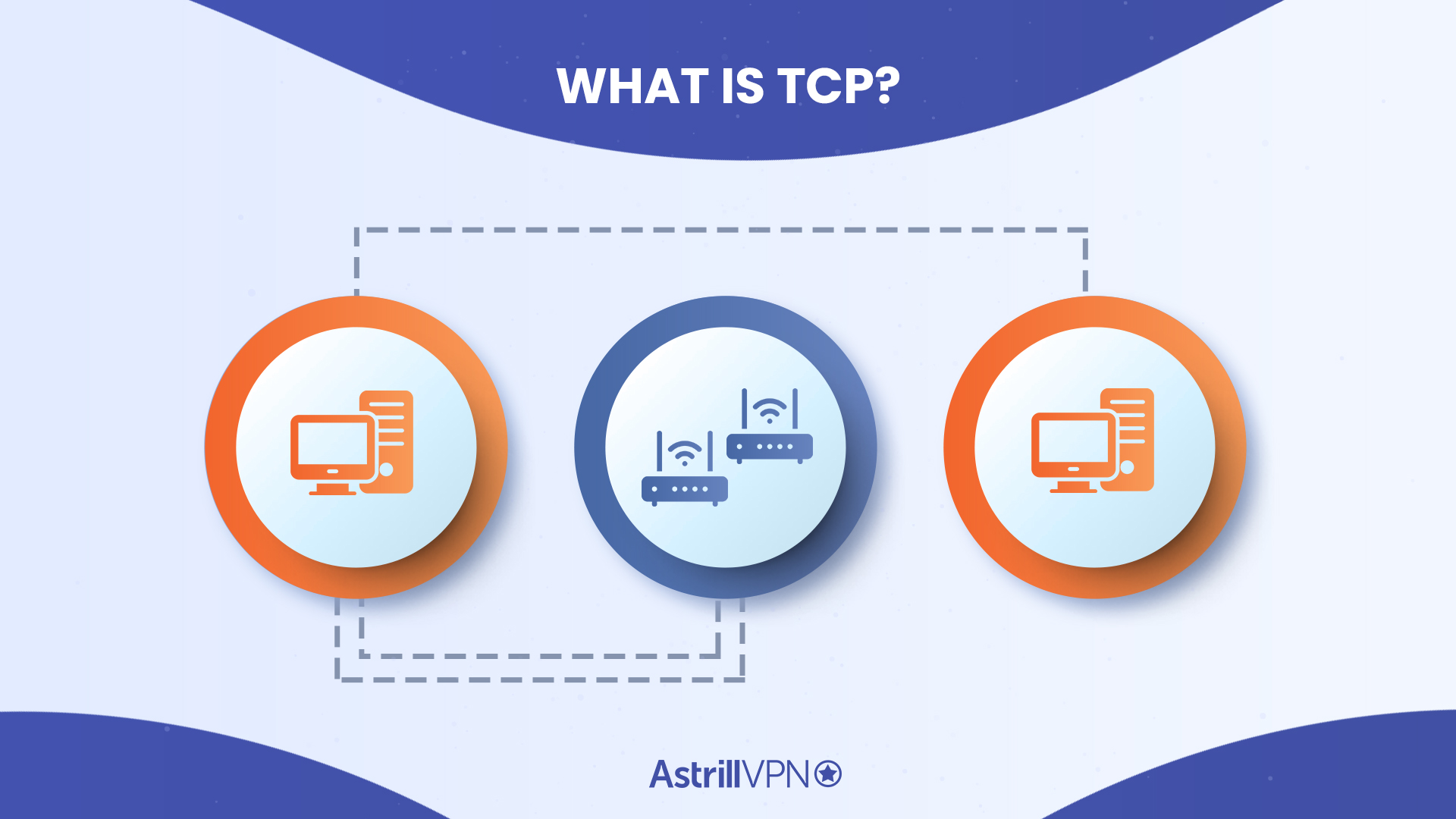
After the connection has been established and the data packets have been transferred, the connection can be terminated by closing the circuit. TCP ensures that the data is delivered in the same numeric and serial order it was sent in, which makes way for easy error-checking if there are any problems.
Some notable features of the TCP (Transmission Control Protocol) include:
- Easy detection of errors
- Delays in transmission during peak times
- Option of re-transmission for user’s convenience and ease
- Offer of delivery acknowledgments to confirm all transmissions
What is UDP?
User Datagram Protocol, in contrast, is a connectionless protocol. It does not offer any possibilities for error checking, nor does it have recovery services for re-transmissions. Instead, UDP prioritizes the maintenance of a continuous flow of datagrams which the recipient can choose to receive or ignore.
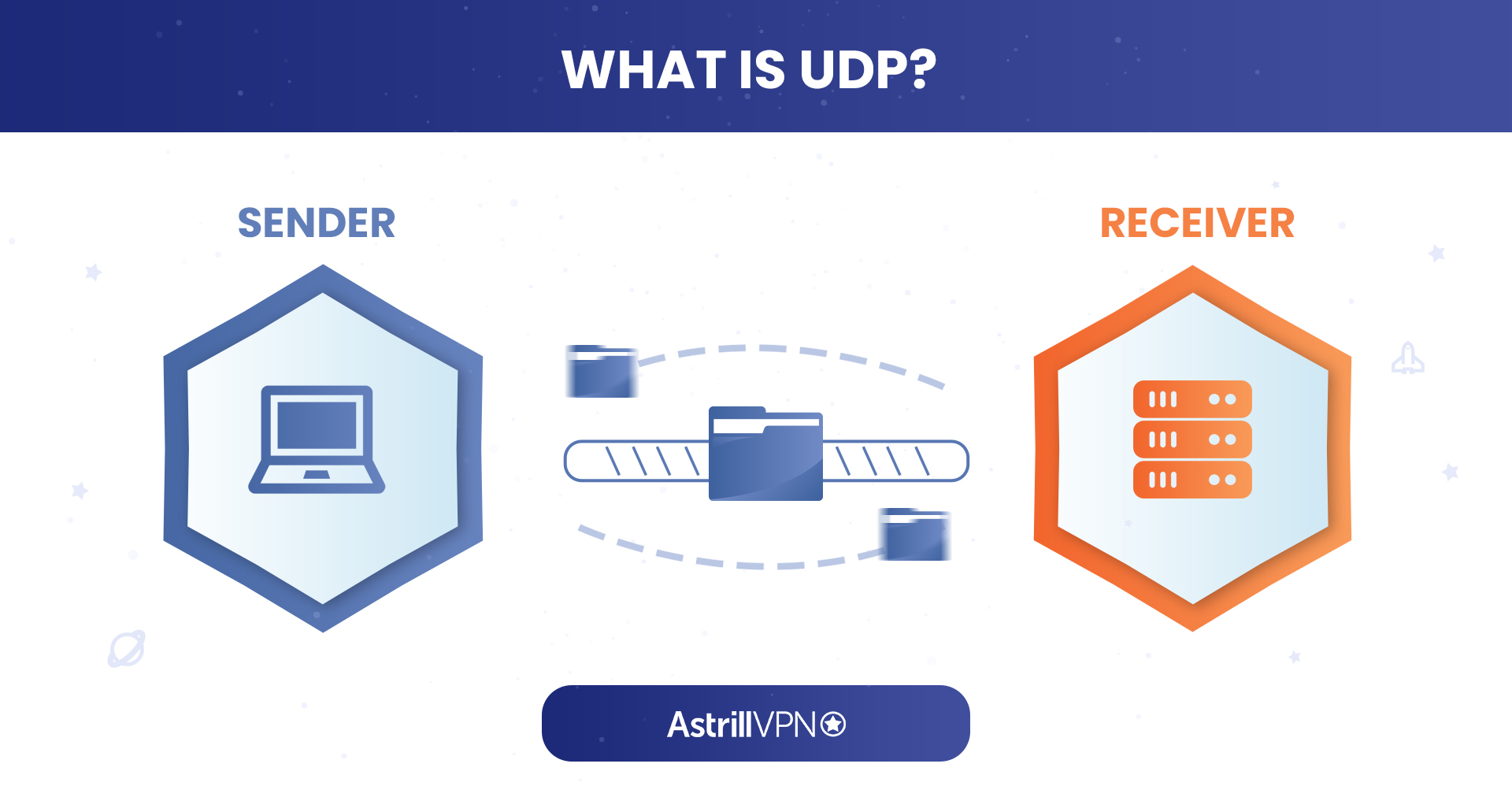
This makes UDP convenient to use for packet broadcasting and multicasting since any sort of revisions in data is not processed at the network interface level.
Some distinguishing features of VPN with UDP (User Datagram Protocol) include:
- Faster speeds and less delay
- Ability to send larger packets to a larger audience
- Supports bandwidth-hungry applications
- Possible loss of datagrams
What’s the difference between TCP and UDP?
Since both are types of protocols used in networking, it can get a little confusing to distinguish them. UDP is often used for time‑sensitive applications like streaming and VoIP, while TCP is typically used for web browsing, emails and file transfers.
Read on to learn more about their specific differences.
Connection
Since TCP is a connection-based protocol, it ensures that the sender and receiver are connected before any data is sent. UDP is a connection-less protocol, hence, no such relationship between the sender and receiver is created.
Reliability
Due to how there’s a pre-existing connection between each end, TCP is very reliable. There’s a guarantee of data being sent, and if it ever glitches or gets lost in transit, it can be recovered for retransmission. When the data is recovered, the protocol first scans it for errors and then tracks it to ensure that the data reaches the other end of the connection.
In contrast, UDP lacks such a connection. Hence, there is no guarantee of delivery and no possibility of recovery if the data packet becomes lost or corrupted.
Data Flow Control
TCP provides flow control by maintaining a steady stream of packets to the receiver. This ensures that the network is not overloaded by storing data in a ‘send buffer’. When the recipient receives data, it comes in the form of a ‘receive buffer’. These buffers act as storage rooms for data.
If a recipient’s receive buffer is full, they would not be able to accept more data. Each time a packet is in transmission, it comes with a message from the sender detailing the size of the data pack. Similarly, every time data is transferred, the sender is notified of the value of the recipient’s receive buffer, which helps maintain an easy flow of data.
On the other hand, UDP does not provide any sort of flow control. This means that the packets sent over UDP come in a constant stream, and if the recipient is unable to receive them for any reason, the files are dropped.
Serialization and Order
Because how TCP ensures that a connection is active on both ends, the data packets exchanged will be delivered to the recipient in the same order they were sent from the sender.
In comparison, there are no such means of serialization or data organization in UDP. Data packets sent over UDP are transferred in no particular order.
Speed
Since TCP has so many checks and balances to maintain with each transmission, it is often slower than UDP.
Usability
TCP is commonly used by HTTPS, SMTP, POP and FTP.
UDP is typically used for video conferencing, live streaming, DNS and VoIP.
Congestion Control
TCP modifies data delivery based on receiver acceptance window size in flow control. Apart from the recipient, the network controls data speed, which is why the transmission speeds must be calibrated to network standards. TCP congestion avoidance methods and regulations allow this.
Key algorithms include additive-increase/multiplicative-decrease (AIMD). It uses linear congestion window growth and exponential reduction to prevent network traffic accumulation, a complex but successful approach. TCP will wait for a crowded network path to clear before resuming transmission to avoid data loss.
Congestion control is a major reason TCP uses so much computational power. The transmission control protocol may use 10+ congestion avoidance methods depending on the network setup. TCP Tahoe (reestablishes a connection slowly after data loss), TCP Reno (retransmits quickly after congestion), and others are examples.
UDP cannot control network congestion. If the pathway is overloaded, UDP will drop the next packets and send the rest. Organizations can preserve dropped packets using a carefully configured router, but the user datagram protocol does not.
Header Difference
Data transmissions over TCP and UDP utilize two distinct types of heading. To get started, TCP utilizes a variable-length headling to facilitate the transmission of more intricate data while maintaining optimal performance. The header may consist of 20 to 60 bytes in length. On the contrary, UDP employs a fixed-length heading, sacrificing versatility for speed and efficiency. The total length of a UDP header is eight bytes.
Broadcast Services
A TCP connection is end-to-end and requires connecting two interacting endpoints and accurately tracking data packets and bytes. Synchronization and acknowledgment messages add 1 to the preceding message, making them easy to track. Sequencing segments in packet headers organize data. These make it appropriate for point-to-point transmission systems, not multi-endpoint broadcasts.
In multicast or broadcast, the server addresses several recipients. Like UDP, it sends data without acknowledgment or confirmation. UDP is appropriate for broadcasting data packets to some endpoints (or subnets) in a “passive open” or “listening” state due to its core architecture. Such data transmissions target a group of network hosts rather than a single host.
TCP vs UDP: Advantages and Disadvantages
Advantages of TCP
- Ensures reliable delivery – lost packets are retransmitted and data arrives in the correct order.
- Provides built‑in error checking and acknowledgements, which reduces the chance of corrupted data reaching the application.
- Better for traffic where accuracy matters more than speed, such as web browsing, emails, file transfers and online banking.
- Often more stable on restrictive or unstable networks, because TCP traffic can blend in with normal HTTPS and is less likely to be blocked or throttled.
Disadvantages of TCP
- Extra checks (handshakes, acknowledgements, retransmissions) add overhead and latency, so it’s usually slower than UDP.
- Not ideal for real‑time apps like streaming or gaming, where small delays are more noticeable than occasional packet loss.
- The additional processing for congestion control and reliability means higher CPU usage, especially on busy servers or older devices.
Advantages of UDP
- Faster and lighter than TCP because there’s no connection setup, acknowledgements or retransmissions.
- Well‑suited to real‑time applications such as video streaming, online gaming, VoIP and live conferencing.
- Supports broadcasting and multicasting, which makes it efficient for sending the same data to many users at once.
- Lower protocol overhead can lead to better throughput when some packet loss is acceptable.
Disadvantages of UDP
- Offers no guarantee of delivery, order or duplication control – packets can be lost, arrive late or out of order.
- Has no built‑in congestion or flow control, so applications must handle throttling and retransmission themselves if needed.
- Can result in noticeable quality drops (freezes, glitches, robotic audio) if the network is poor, since lost packets aren’t automatically resent.
UDP vs TCP – Similarities between them
TCP and UDP are both network protocols that can be utilized in the transfer of data packets. These data packets are only pieces of information, such as emails or page requests for websites. Tiny packets of this data are sent from one place to another, and both types of protocols can be used for their transmission.
Both types of protocols channel the data packets from your device to different routers until they reach their recipient using ports. Both also work in conjunction with IP (Internet Protocol) and they can also be used to send packets directly to the recipient’s IP address.
Which Protocol Does Astrill Use?
Astrill has four different VPN protocols, some of which use TCP by default, and some use UDP. Here’s a clear breakdown of our protocols, you can see which ones are using TCP and UDP:
- OpenWeb: The OpenWeb protocol by Astrill uses TCP protocol by default. This is why it is such a fast and lightweight protocol.
- StealthVPN: The StealthVPN protocol was inspired by OpenVPN and it has the capability to work on both TCP and UDP modes.
- Wireguard: The Wireguard protocol uses UDP by default for transporting data between the VPN nodes.
- OpenVPN: The best thing about OpenVPN is that it can work with both TCP and UDP modes.
When Should You Use TCP vs UDP?
The honest answer is: it depends on what you’re doing online. TCP and UDP aren’t interchangeable. They’re built for different situations, and using the wrong one inside your VPN tunnel can noticeably affect your experience. Here’s how to think about it practically.
TCP vs UDP for Gaming
Gaming is where UDP really shines. Online games need data to move fast, constantly, and without waiting around for missing pieces to show up. A missed packet in a shooter game isn’t a disaster. The game engine compensates, moves on, and you never notice. What you would notice is lag. TCP’s habit of stopping to say “hey, that packet didn’t make it, sending it again” is exactly what creates those frustrating stutters mid-match.
UDP keeps the data flowing continuously, which is why pretty much every major multiplayer game uses it natively. When you’re using a VPN for gaming, UDP is almost always the better pick. Lower latency, fewer interruptions, smoother gameplay.
When to switch to TCP for gaming:
- Your network actively throttles or blocks UDP traffic
- You’re in a region with heavy packet inspection (certain countries or strict corporate networks)
- UDP connections keep dropping and TCP at least keeps you stable
TCP vs UDP for Streaming
Streaming sits in interesting territory. Platforms like Netflix, YouTube, and Spotify use TCP at the application level because they actually do need every packet. A missing chunk of video data doesn’t just get skipped over. It shows up as buffering, pixelation, or a full-on playback failure.
When streaming through a VPN, TCP over TCP creates a known problem called TCP meltdown. Both layers fight each other trying to handle retransmissions, and things spiral. AstrillVPN’s UDP mode avoids this entirely. The VPN tunnel uses UDP while the underlying streaming protocol still handles its own error correction. You get stable throughput without the double-overhead issue.
For streaming, go with UDP on the VPN side and let the app layer do its job.
TCP vs UDP for Video Calls
Video calls prioritize real-time delivery over perfect accuracy. Missing a fraction of a second of audio or video is far better than freezing up while the system waits for a retransmission. This is why Zoom, Teams, Google Meet, and essentially every VoIP service defaults to UDP. The conversational flow matters more than pixel-perfect frames.
Using a VPN, UDP remains the right choice here. It keeps latency low, avoids TCP’s stacking delays, and generally makes calls feel natural rather than choppy. If you’re in an environment where UDP is restricted, TCP will act as a fallback, but you may notice increased latency and occasional audio hiccups.
TCP vs UDP for File Transfers
This is where TCP earns its reputation. When you’re downloading a file, uploading to cloud storage, or pulling data through FTP, every single byte has to arrive intact and in order. There’s no “good enough” with file transfers. A corrupt or incomplete file is useless.
TCP’s built-in verification, sequencing, and retransmission aren’t overkill here. They’re doing exactly what’s needed. UDP would be a bad choice because there’s no guarantee your data will arrive intact, and most file transfer protocols don’t have built-in recovery mechanisms.
How TCP and UDP Handle Packet Loss and Network Congestion
Packet loss and congestion are just realities of the internet. No connection is perfectly clean all the time. The difference between TCP and UDP is in how aggressively they respond to these problems.
How TCP responds:
- Detects missing packets through unacknowledged delivery receipts
- Assumes packet loss means the network is congested
- Deliberately slows its transmission rate and waits before retrying
- Gradually ramps back up once things stabilize
This is called congestion control, and it’s actually a well-engineered system. It prevents the internet from collapsing under heavy load by making sure senders back off when the network is struggling. The downside is obvious in time-sensitive situations. If you’re on a video call and the network drops a few packets, TCP’s response is to slow down and retry, turning a small blip into a half-second freeze.
How UDP responds:
- Sends data and doesn’t look back
- No acknowledgment system, no retransmission, no congestion response
- Keeps pushing data at the requested rate regardless of network conditions
- Leaves any necessary compensation to the application itself
For real-time applications, this is actually the better behavior. Losing a packet in a voice call is barely noticeable. Slowing everything down to recover it would be much worse.
OpenVPN TCP vs UDP
Using OpenVPN with UDP is a preferable option for VPN connections in general. This is due to the fact that UDP requires less data and is faster than TCP. Any services that require TCP’s guaranteed packet delivery can still have it since applications will continue to use Open VPN TCP for their connections inside your UDP VPN tunnel.
TCP vs UDP: Conclusion
If accuracy, reliability, and a lack of time constraints are important for the user, then TCP is a great choice. However, if the user requires speed and efficiency, then UDP becomes the better choice. At the end of the day, it is the user’s own needs and demands that can help them decide between TCP and UDP.
FAQs: TCP vs UDP:
What is the major difference between TCP and UDP packets?
Speed is the major difference between TCP and UDP packets. UDP is faster than TCP because it permits a continuous packet stream. TCP permits a set of packets, transmitted by using the TCP window size and round-trip time (RTT).
Which protocol makes retransmission of lost data packets possible?
The retransmission of lost data packets is only possible with TCP because of its nature of being a connection-oriented protocol.
Which is more secure TCP or UDP?
TCP is more secure than UDP because it makes sure that the data packets transmitted are delivered in the correct order to the recipient device.

Secure your privacy instantly. Try AstrillVPN with zero risk.
About The Author











No comments were posted yet