




8 Best Browser for Privacy – Ultimate Guide to Anonymous Browsing

Ensuring secure web browsing has become essential as online threats have increased exponentially. Browsing online over an unsecured network has become dangerous. You can jeopardize your safety when:
- You are saving your passwords in your browser.
- You are using too many browser extensions.
- You keep accessing sites that do not follow HTTPS protocol.
You might not be aware that your privacy is in danger while using a popular browser like Chrome or Safari. Most popular browsers keep tabs on their user’s personal information, such as their :
- Browsing history
- Login credentials
- Autofill preferences.
- Location
- Device usage
This information makes for a convenient browsing experience but at the risk of user privacy. Some browsers also permit trackers and marketers even on private modes, allowing more data to be taken out of the user’s hands.
Unfortunately, consumers are unaware that browsers aren’t always safe and that a lot happens behind the screen. Read on to learn more about staying secure online and why that matters.
Table of Contents
Why does browser security matter?
It is not unreasonable to assume that the browser that comes pre-installed with our device is the best option for us to utilize. This can be untrue, though, as the best option may just exist in the many available options.
Since our browsers handle almost all of our data, it is important to use a safe browser. Think about it: we use our browsers to engage with most of the internet, and now more than ever, browser security matters a lot.
We usually jump to protect our devices from hackers, but before hackers can even enter the picture, many browser companies can make a profit by selling browsing information to other parties, such as advertisers. Anyone who isn’t using a secure browser is always left vulnerable to fraud, scams, and loss of personal data.
Your browser’s ability to safeguard your privacy is paramount to your safety.
Best Browser for Privacy – Our Recommendations
Online privacy is becoming harder to maintain as browsers collect more data for advertising, analytics, and personalization. Every click, search, and website visit leaves a trace that can be tracked, analyzed, or sold. That is why choosing a browser that truly respects your privacy is no longer optional but essential.
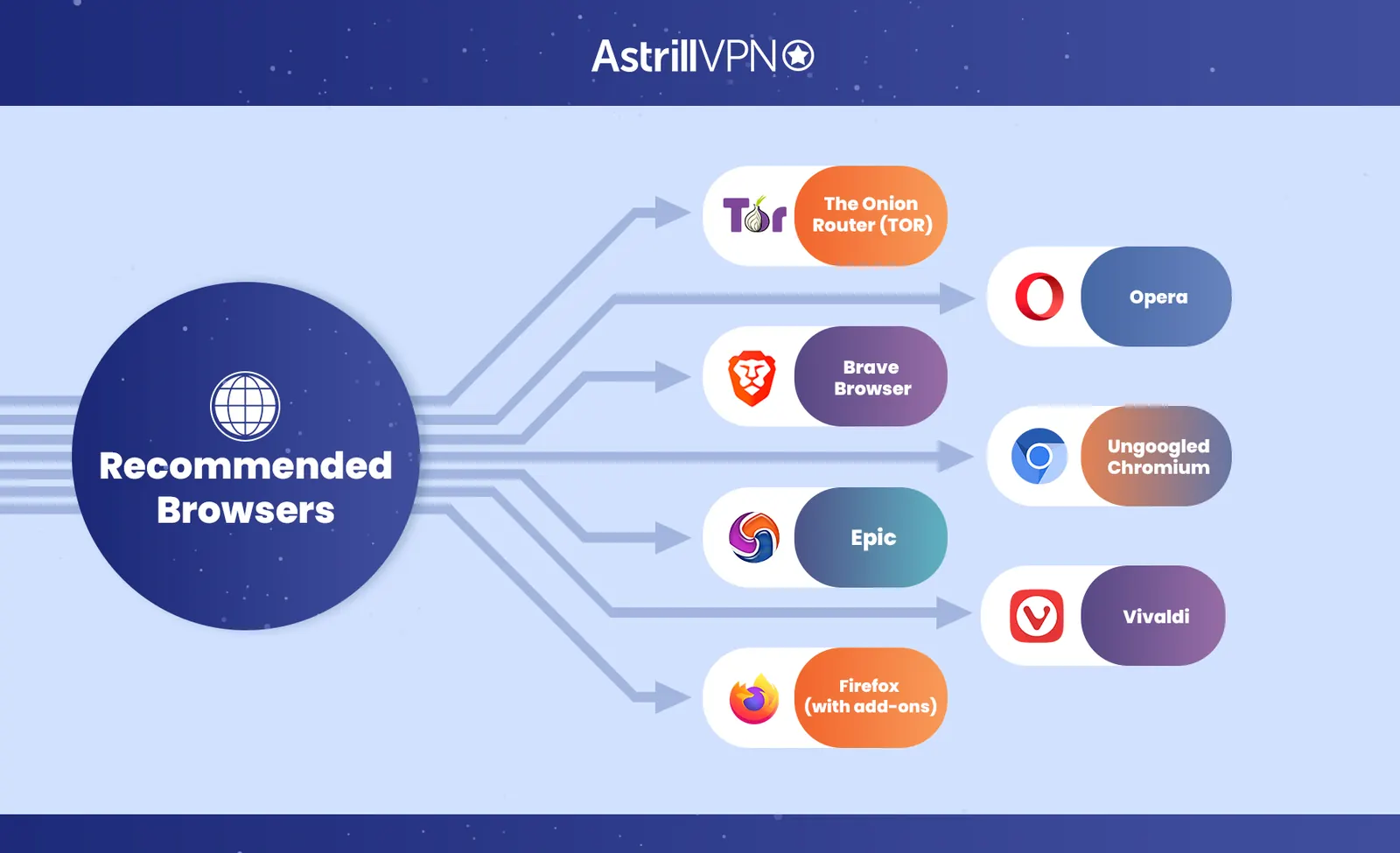
The good news is that several browsers today are designed specifically to protect your data, minimize tracking, and give you more control over your digital footprint. Below, we have ranked the best privacy browsers for 2026 in three tiers based on their overall protection, usability, and transparency.
Tier 1: Most Private Browsers
1. Tor Browser
Tor remains the gold standard for anonymity online. Built on Firefox, it routes your traffic through multiple volunteer-run servers, making it nearly impossible for anyone to trace your activity to your real IP address. While it sacrifices speed for privacy, Tor is ideal for journalists, activists, or anyone needing the highest protection level.
Key features:
• Multi-layered encryption that conceals your browsing trail
• Routes traffic through a global network of anonymous nodes
• Includes HTTPS Everywhere and NoScript for secure browsing
• Blocks trackers, fingerprinting attempts, and malicious scripts
2. LibreWolf
LibreWolf is a privacy-first fork of Firefox created by a passionate open-source community. It removes all Mozilla telemetry, built-in ads, and background data connections. With uBlock Origin preinstalled and strict default settings, LibreWolf delivers advanced privacy with a clean, familiar interface.
Key features:
• No telemetry or background data collection
• uBlock Origin built in for ad and tracker blocking
• Regularly updated for privacy hardening and security fixes
• Fully open source with transparent community development
Tier 2: Strong Privacy with Great Usability
3. Brave Browser
Brave Browser has quickly become one of the most popular privacy browsers, with more than 82 million active users. It is fast and user-friendly and blocks ads and trackers by default. Brave stores all browsing data locally, keeping it away from third parties. It even includes a Private Window with Tor mode for an extra layer of privacy.
Key features:
• Built-in ad and tracker blocking
• Shields against fingerprinting and cross-site tracking
• Private Window with Tor for anonymous sessions
• Local data storage only, ensuring no external access
4. Firefox (Configured for Privacy)
Firefox remains one of the most respected open-source browsers, trusted for its transparency and flexibility. Out of the box, it offers good privacy, but when configured with the correct settings and extensions, it becomes one of the strongest privacy tools available.
Key features:
• Enhanced Tracking Protection blocks third-party cookies and scripts
• Anti-fingerprinting mode to disguise your browser identity
• Customizable through privacy add-ons like uBlock Origin and Privacy Badger
• Fully open source with regular updates and audits
5. Waterfox
Waterfox is a fork of Firefox ESR that removes telemetry and data collection features. It is designed for users who want full control over their browsing without background tracking. Waterfox retains Firefox’s familiar interface but prioritizes transparency and efficiency.
Key features:
• No telemetry or crash reporting to Mozilla
• Syncs data only with user consent
• Compatible with older Firefox extensions
• Focused on lightweight, private browsing
Tier 3: Moderate Privacy for Everyday Use
6. Vivaldi
Vivaldi combines flexibility and privacy, giving users complete control over their experience. It blocks trackers and ads, offers multiple customization options, and allows you to separate search engines for private and normal browsing. However, it still sends telemetry data for performance analytics, slightly lowering its privacy score.
Key features:
• Built-in tracker and ad blocker
• Custom privacy settings per browsing mode
• Idle API disabled by default to prevent keylogging
• Uses DuckDuckGo as the default private search engine
7. DuckDuckGo Browser
DuckDuckGo has evolved from a private search engine into a full-featured privacy browser. Initially mobile only, its desktop version is now in open beta, offering seamless privacy protection across devices. It automatically blocks trackers, enforces HTTPS, and uses its own private search engine by default.
Key features:
• Tracker and cookie blocking built in
• HTTPS enforcement for all sites
• Integrated with DuckDuckGo search
• Clear data button to erase history instantly
8. Epic Privacy Browser
Epic is a minimalist privacy browser that enables all protection features by default. It blocks ads, trackers, fingerprinting scripts, and even RTC calls that could reveal your IP address. Epic routes traffic through an encrypted proxy to hide your location, though its closed-source nature limits transparency.
Key features:
• Privacy protections enabled by default
• Encrypted proxy hides your IP
• No autofill, plugins, or auto-sync for complete isolation
• Uses DuckDuckGo as the default private search engine
Tips for Secure Browsing
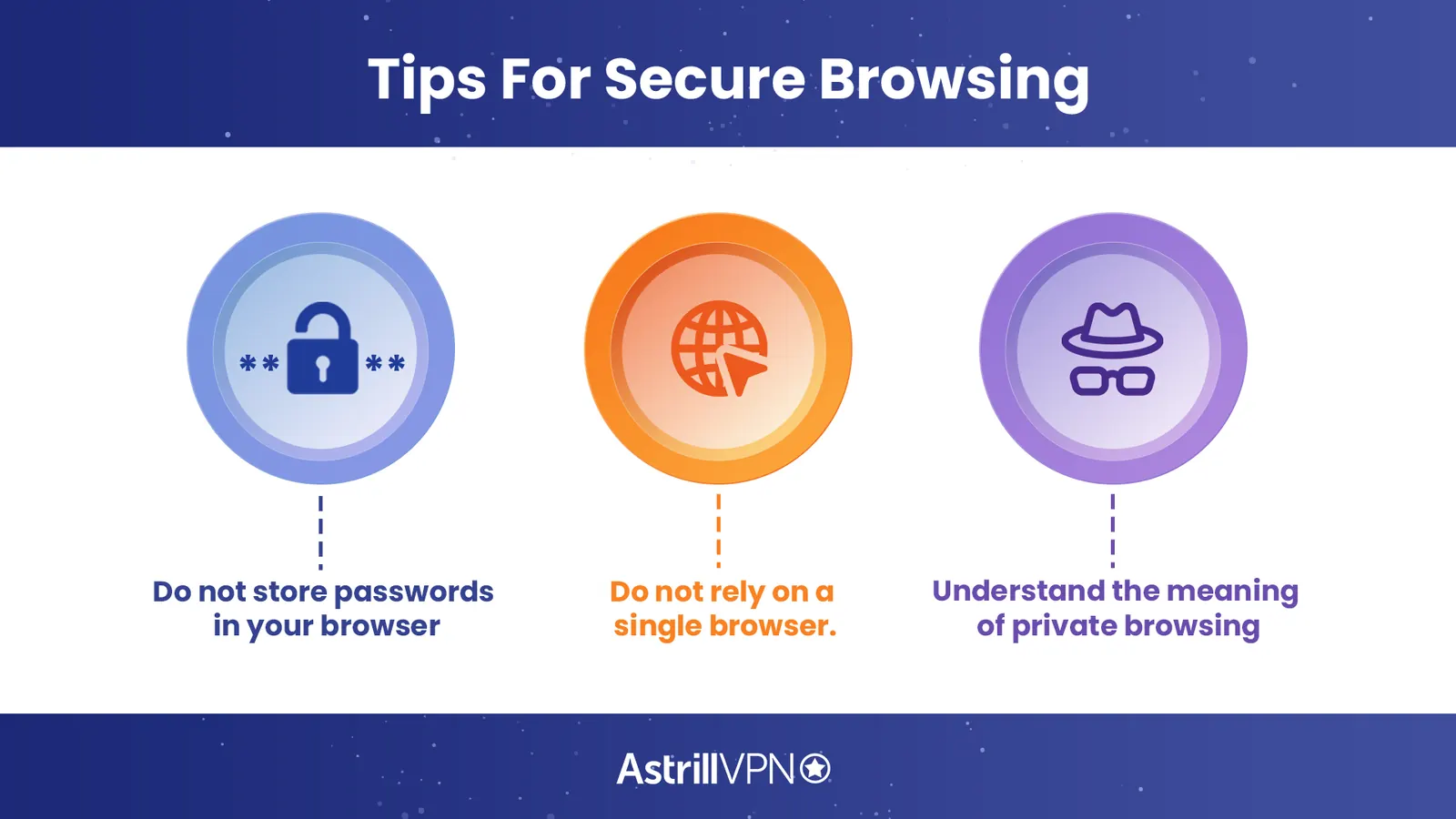
Here are some tips for secure browsing that you must consider for your online safety:
- Do not store passwords in your browser
We often get a pop-up when we sign in to a certain service to save our password in the browser. It may seem convenient and all at the moment but honestly it is risky to save your passwords online.
Saving your password in your browser is like giving an open invitation to hackers and other spying eyes to get access to your accounts.
- Do not rely on a single browser.
Another tip for secure web browsing is to keep switching browsers. You can use separate browsers depending on the websites you’re accessing. This way, your ISP may not be able to track all of your online activity.
- Understand the meaning of private browsing
Private browsing or incognito modes aren’t as private as it seems. Yes, your online activity is not stored in history, and no cookies are stored, but the ISP can see your online activity. Since your ISP can track your online activity, it can also throttle your connection.
The best option for bypassing ISP throttling is to use a VPN because it changes your IP address, and the ISP loses its control over your connection.
Criteria for Evaluating Privacy-focused Browsers
When evaluating privacy-focused browsers, there are several criteria to consider. Here are some important factors to look for:
1. Privacy features
The most important thing to look for in a browser is robust privacy features that protect your online privacy. This can include features such as anti-tracking, ad-blocking, and a private browsing mode.
Anti-tracking features can prevent websites from tracking your online activity while ad-blocking features can prevent ads from collecting your data. Private browsing mode can prevent your browsing history and cookies from being stored on your device.
2. Security
It is a critical factor when it comes to online privacy. A browser should have strong security features, such as encryption and protection against malware and phishing attacks.
Encryption ensures that your online activity is encrypted and cannot be intercepted by hackers or other third parties. Protection against malware and phishing attacks can prevent you from inadvertently downloading malicious software or giving away your personal information to cybercriminals.
3. User interface
Browsers with a user-friendly interface that is easy to use and navigate are optimal. It should also be customizable, allowing users to adjust settings to suit their individual needs. A user-friendly interface can make browsing the web more enjoyable and efficient, while customization options can help users tailor the browser to their specific needs and preferences.
4. Speed
Speed is an important factor when it comes to browsing the web. The browser should be fast and responsive, allowing users to browse the web without delay. Slow-loading pages or laggy performance can be frustrating and lead to a poor browsing experience.
5. Compatibility
The browser you choose should be compatible with a wide range of devices and operating systems. It should also be compatible with a variety of add-ons and extensions that can enhance privacy and security. Compatibility ensures that the browser can be used on a variety of devices, while add-ons and extensions can provide additional features and functionality to enhance privacy and security.
6. Transparency
A good privacy-focused browser should be transparent about its data collection and privacy policies. It should clearly state what data it collects and how it uses that data. Transparency ensures that users know what data is being collected and how it is being used, which can help them make informed decisions about their online privacy.
7. Community support
Look for a browser with a strong community of users and developers actively working to improve the browser and address any privacy or security concerns. Community support can ensure that the browser is continually updated and improved and that any issues or concerns are addressed promptly.
8. Reliability
Always choose a reliable and stable browser with minimal downtime or crashes. A reliable browser can ensure that users can browse the web without interruption or frustration. At the same time, stability can help prevent data loss or other issues that could compromise privacy and security.
Common Privacy Risks and Threats when Browsing the Web
There are many privacy risks and threats that internet users face while browsing the web. Some of the most common ones are:
Malware and viruses
Malware and viruses are malicious software programs that are designed to steal personal information, damage your device, or control it remotely. These threats can be disguised as legitimate software, email attachments, or pop-ups on websites.
Once they infect your device, they can steal sensitive information like passwords, credit card numbers, and bank account details. To protect yourself from malware and viruses, it is important to use antivirus software and keep it up to date. You should also avoid clicking on suspicious links or downloading software from untrusted sources.
Phishing scams
Phishing scams are fraudulent attempts to obtain sensitive information by disguising it as a trustworthy entity in an email or other electronic communication. Phishing attacks often include a link that appears to lead to a legitimate website but is, in fact, a fake website designed to steal your personal information.
You can protect yourself from phishing scams by being cautious when opening emails from unknown sources and by not clicking on any links in emails that you are unsure about. You can also hover your mouse over the link to see where it leads before clicking on it.
Tracking cookies
Cookies are small files that websites store on your device to remember your preferences or login information. However, some cookies are used for tracking your online activity and collecting data about your browsing behavior, which can be used for targeted advertising or even identity theft. You can protect yourself from tracking cookies by using a privacy-focused browser that blocks third-party cookies and actively manages the cookies on your device.
Public Wi-Fi networks
Public Wi-Fi networks are often unsecured and can be easily hacked by cybercriminals. If you connect to a public Wi-Fi network, your online activity and personal information can be intercepted by hackers. To protect yourself on public Wi-Fi, avoid accessing sensitive information or logging into accounts that contain personal information like email, bank accounts, or social media accounts.
Social engineering attacks
Social engineering attacks involve tricking people into giving away their personal information through psychological manipulation. This can include pretending to be a trusted friend or authority figure or using fear or urgency to convince you to give up your personal information.
You can protect yourself from social engineering attacks by being cautious about who you give your personal information to and by verifying the identity of anyone who asks for it. You can also educate yourself on the latest social engineering techniques to recognize and avoid them.
Conclusion
With internet security becoming a growing concern, it is good to make smart choices about the browsers we use. Secure web browsing is a challenge nowadays because when you’re online, you’ll always be at risk of a cyber threat. By following the tips for secure web browsing and using a secure browser, you can protect your online privacy.
However, when it comes to staying totally secure online, it’s best to pair a secure browser with a good VPN, such as AstrillVPN, which can ensure you are protected on all ends. A VPN’s security cannot be compared with that of a browser.

Secure your privacy instantly. Try AstrillVPN with zero risk.
About The Author










No comments were posted yet