


VPN for Remote Workers: Everything You Need to Know

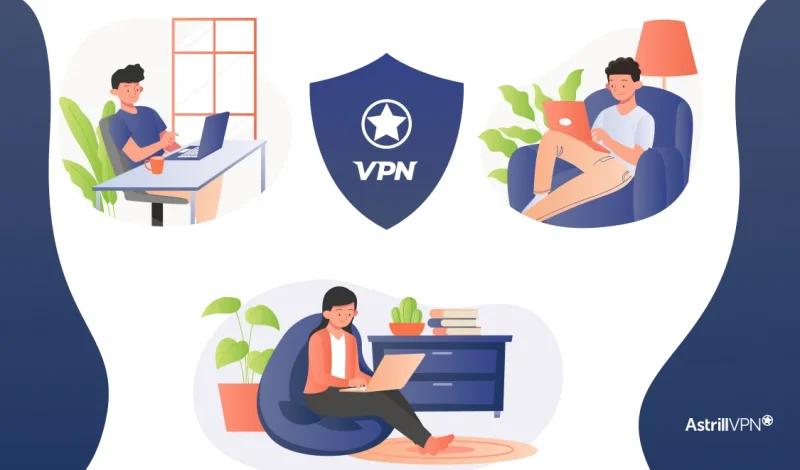
As the remote work revolution continues to shape the modern workforce, ensuring online privacy and data security has never been more important. One of the most essential tools for remote professionals is a VPN (Virtual Private Network). Whether working from a coffee shop, a coworking space, or your living room, a VPN is necessary for maintaining confidentiality and protecting sensitive information.
In this guide, we’ll break down everything you need to know about using a VPN as a remote worker, explore the best VPN for remote workers, and answer some of the most common questions remote professionals have.
Table of Contents
Why Do Remote Workers Need VPN?
- Enhanced Security
VPNs encrypt your data, making it difficult for hackers and cybercriminals to intercept your communications. - Privacy Protection
Hide your IP address and online activity from ISPs, governments, and even your employer if needed. - Remote Access to Company Resources
Many businesses set up VPNs so employees can safely access internal servers and files from anywhere in the world. - Bypass Geo-Restrictions
Working while traveling? A VPN can help you access content and tools that may be restricted in certain regions. - Safe Public Wi-Fi Use
Coffee shops and airports offer free Wi-Fi, but it is often unsecured. A VPN keeps your data safe on these networks.
Features to Look for in the Best VPN for Remote Workers
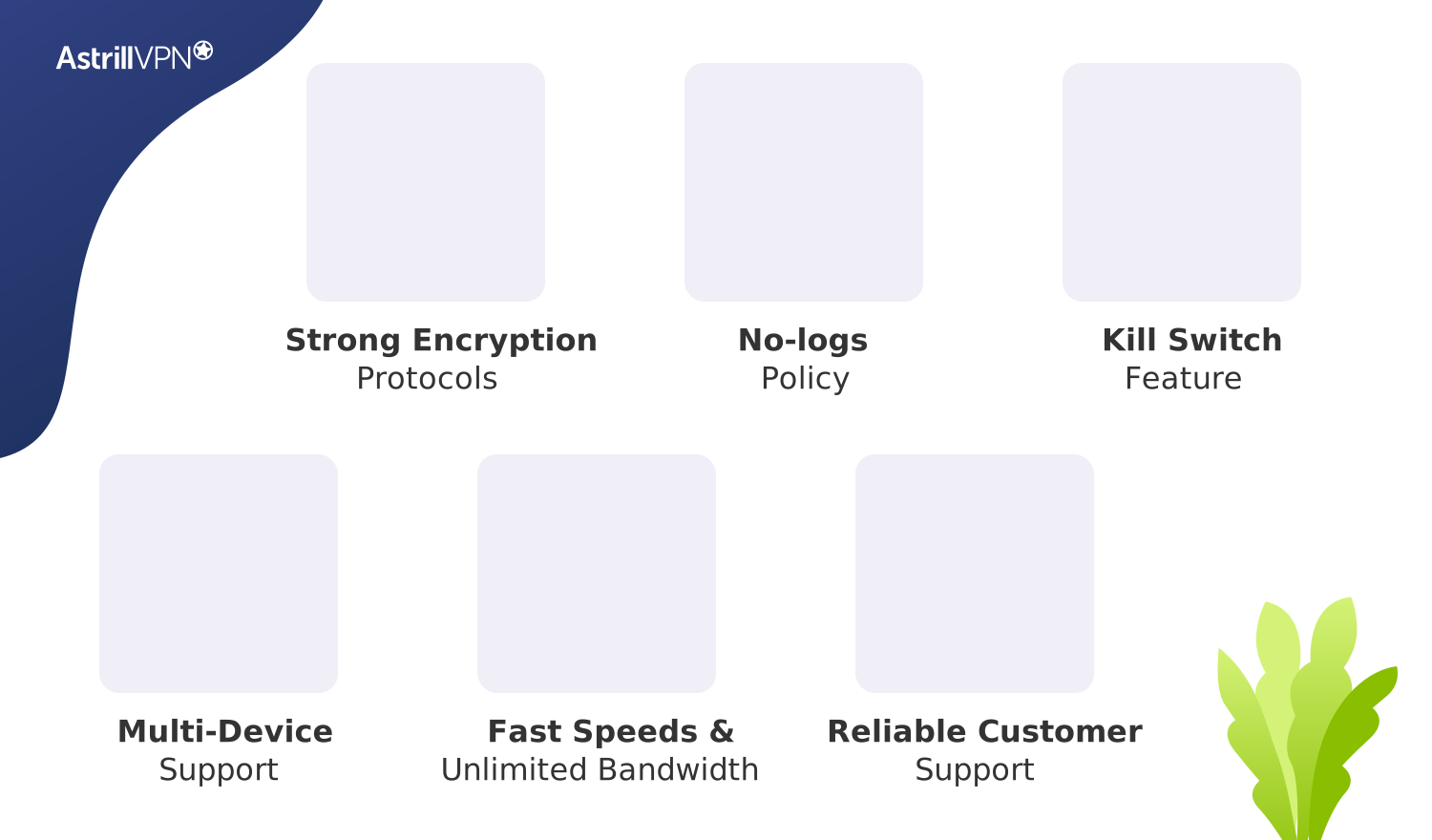
When choosing the best VPN for remote workers, consider the following:
- Strong encryption protocols (like OpenVPN, WireGuard)
- No-logs policy to ensure your browsing data isn’t stored
- Kill switch to block internet access if the VPN disconnects unexpectedly
- Multi-device support for laptops, phones, and tablets
- Fast speeds and unlimited bandwidth for smooth work and video calls
- Reliable customer support
Types of VPNs Remote Workers Might Use
There are two main types of VPNs commonly used in remote work settings:
1. Personal VPNs
These are consumer-focused VPN services. They’re easy to install and use, offering fast, encrypted connections for general use, streaming, or browsing securely.
It’s best for Freelancers, solopreneurs, digital nomads, and remote workers who don’t need to connect to a corporate network.
2. Business VPNs (or Corporate VPNs)
Designed for company use, these VPNs allow remote employees to securely access internal company networks, shared drives, and proprietary systems. They often have centralized control, user management, and dedicated IP addresses.
Best for: Medium to large teams, startups, and businesses with multiple remote employees.
VPNs and Digital Nomad Life
A VPN becomes even more essential if you’re a remote worker who travels frequently (aka a digital nomad). Here’s why:
- Avoid censorship and website blocks in countries with internet restrictions (like China or UAE)
- Book cheaper flights and hotels by switching your location (yes, it works sometimes!)
- Access local content like streaming services or online banking from your home country.
Top Security Threats Remote Workers Face
Working from home or anywhere outside the office comes with its own set of security issues, and they’re not the same as those found in a typical office setting. Here are some of the usual risks that remote workers should be aware of:
Unsecured WiFi networks
Connecting to public WiFi in spots like cafés, airports, or hotels can put remote workers at risk. There’s a possibility that your internet traffic might be exposed to snoopers. Hackers can set up fake WiFi networks or access unsecured routers to steal your data or login information. It’s important to stay cautious!
Phishing and social engineering
When remote workers aren’t close to a security team or shared IT support, they can become easy targets for phishing scams. Emails that appear to be from coworkers, HR, or trusted vendors may trick users into divulging their credentials or downloading malicious software.
Malware and ransomware threats
Remote workers frequently use shared drives, cloud services, or internal tools. If a device gets hacked while working remotely, ransomware can spread through company systems just as easily as it would in an office setting.
Data interception and tracking
Even when you’re on your home network, your devices can still share metadata or browsing history with ISPs or other companies. If you don’t use encrypted tunneling, important business chats could be seen by people you don’t want to see them.
Device theft or loss, and unauthorized access
Laptops, tablets, and smartphones used on the go are at a higher risk of being lost or stolen. If someone obtains a device that isn’t encrypted or lacks proper security features, such as authentication or remote wipe capabilities, it can lead to a significant security breach.
Remote Work Security Risks Without VPN
If you’re working remotely without a VPN, you’re opening yourself up to some pretty serious cybersecurity risks. Here are some of the major threats that remote workers deal with when they skip the VPN protection:
- Your IP address is visible to everyone if you are not connected to a VPN, as there is no encryption to hide your actual IP address. This means that websites, advertisers, and even cybercriminals can easily track your location and online activity.
- Public Wi-Fi is often a sweet spot for hackers because it is readily apparent that it is not secure. Using this network without security can allow hackers to steal sensitive information, such as emails, passwords, and work files.
- Without encryption, attackers can carry out man-in-the-middle attacks, intercepting or altering data sent between your device and servers.
- Home and office networks can sometimes have DNS leaks that let ISPs or monitoring companies see what you’re doing online.
- Remote employees may face geo-restrictions that block access to region-limited business tools or cause slower connection speeds.
- Working without a VPN can create compliance issues for companies that handle sensitive data, as mandated by regulations such as GDPR or HIPAA.
- Open networks are not actually secure, so if you try sending data over them, then that can be very risky.
VPN Misconceptions: What Remote Workers Should Know
Let’s bust a few myths:
Myth 1: VPNs make you completely anonymous
Not exactly. A VPN does a lot to protect your privacy; it hides your IP address and encrypts your internet activity. That said, it doesn’t make you completely anonymous. To stay truly secure online, it’s best to pair your VPN with good habits: use strong passwords, think twice before clicking unknown links, and keep your devices updated.
Myth 2: Only tech experts can use VPNs
That statement is not true because today’s VPNs are designed for everyone. Most come with simple apps and interfaces that are compatible across all major platforms, so securing your connection is just a click away. Take AstrillVPN, for instance: it helps remote workers stay protected wherever they happen to be.
Myth 3: VPNs are illegal
In many countries, using a VPN is completely legal and a great way to keep your information secure. That said, if you’re traveling, it’s smart to check local internet laws first, because some places have restrictions on VPN use.
Myth 4: VPNs slow down your internet connection
This is outdated! Premium VPNs like AstrillVPN are built with high-speed servers optimized for streaming, downloading, and remote work. In many cases, a VPN can improve stability by preventing ISP throttling and reducing latency on long-distance connections.
Myth 5: Free VPNs are just as good as paid ones
Free VPNs can be super tempting, but they usually come with some drawbacks, like limited bandwidth, fewer security perks, and not-so-great privacy protection. Some of them even sell your data to make ends meet. A solid paid VPN, on the flip side, offers better encryption, faster servers, and real privacy, really important if you’re dealing with sensitive info while working from home.
VPN Best Practices for Remote Workers
- Get into the habit of firing up your VPN before you dive into any company tools, access files, or shoot out work emails. This way, everything you send online is encrypted from the start, keeping your data safe from prying eyes and any potential security issues.
- Give your work accounts some extra security by turning on MFA. This way, even if someone manages to get hold of your password, they still can’t get into your stuff without that second verification step, like a code sent to your phone or an authenticator app.
- Free VPNs often compromise security for cost savings. Many log your activity, inject ads, or sell user data to third parties. For professional and long-term use, always rely on a trusted premium service like AstrillVPN, which prioritizes privacy, performance, and zero logging.
- Regularly update your VPN app and operating system to ensure you’re protected against the latest vulnerabilities. Updates often include performance boosts, new features, and critical security patches that keep your data safe.
- Connecting to a server located near your physical location typically provides faster speeds and more stable connections. However, if you’re working with international teams or accessing region-specific resources, choose a server in that region for seamless collaboration.
- Make sure to activate the kill switch in your VPN settings. This cool feature will cut off your internet if the VPN drops unexpectedly, so you won’t accidentally leak any unprotected data.
- When your workday ends, turn off your VPN and log out of sensitive accounts, especially if you’re using a shared or public device. This simple step lowers the risk of unauthorized access and keeps your sessions private.
- Record and review what matters. Remote workers can rely on AI meeting transcription to automatically convert calls into searchable text, making it easy to revisit decisions and action items without taking manual notes during every session.
Why is AstrillVPN an essential tool for remote workers?
AstrillVPN is essential for remote workers for several reasons. It’s not just about hiding your IP address anymore. Here’s the breakdown:
1. Secures Public Wi-Fi Use
Remote workers often connect from:
- Cafés
- Airports
- Co-working spaces
These networks are not secure. Astrill encrypts your internet traffic, making it nearly impossible for hackers to:
- Steal login credentials
- Intercept emails or messages
- Spy on sensitive work data
2. Bypasses Geo-Restrictions
If your company tools or content are region-locked, Astrill helps you:
- Access blocked work resources (like internal tools or dashboards)
- Use VoIP services (e.g., Skype, Zoom) in countries where they’re blocked
- Test websites from different global locations (great for devs or marketers)
3. Protects Sensitive Work Data
Whether you’re working on:
- Legal contracts
- Client files
- Product code
Astrill helps ensure that confidential data stays confidential, especially in industries like tech, healthcare, and finance.
4. Stable Connection in Restricted Countries
Astrill is one of the few VPNs that consistently work in China and other high-censorship countries thanks to its StealthVPN and OpenWeb protocols. That’s huge if you’re:
- Working while traveling
- Collaborating with team members abroad
- Dealing with cross-border clients
5. Control & Customization
With Astrill, remote workers can:
- Get App Guard
- Use split tunneling (only encrypt what needs to be encrypted)
- Get dedicated IPs for more reliable remote desktop access
How do you set up a VPN for remote work?
- Get an AstrillVPN subscription.
- Download and install the app on your devices.
- Log in to your account.
- Select a server location (nearby for speed, or abroad for access).
- Enable the kill switch and auto-connect features.
- Connect and start working securely!
Conclusion
For remote professionals, a VPN for remote workers isn’t just a nice-to-have; it’s a critical tool for working safely and efficiently from anywhere. From protecting sensitive data to bypassing content restrictions, the right VPN enhances your digital freedom and productivity.
Take the time to choose the best VPN for remote workers based on your needs, and you’ll be well-equipped to handle the challenges of modern remote work with confidence and security.
FAQs
Yes, especially if you’re accessing sensitive company data or working on unsecured networks. A VPN protects your information and ensures privacy.
While some free VPNs offer basic functionality, they usually have limitations like data caps, slow speeds, or privacy concerns. For serious remote work, invest in a premium service.
It might be slightly lower due to encryption. However, high-quality VPNs like AstrillVPN offer minimal speed loss and are optimized for fast connections.
Many companies require remote employees to use a VPN to securely access internal resources like databases, servers, or intranet sites.
Using a VPN is completely legal in most countries. However, always check local laws and your company’s IT policies.
If your VPN connection drops, your internet might get exposed for a bit. To avoid any data leaks, it’s smart to use a VPN that has a kill switch feature. This automatically cuts off all internet traffic until your secure VPN connection is back up. AstrillVPN has this safety feature to keep your info safe all the time.
Using a VPN for work is common in many places and helps keep your information private and secure. However, if you’re in a country with strict internet regulations, make sure to check the local laws before using a VPN.
A slight drop in speed can occur because your data is being encrypted and routed through a secure server. With a high-performance VPN like AstrillVPN, this difference is often minimal. In some cases, it can improve connection stability and reduce throttling from your Internet Service Provider.

Secure your privacy instantly. Try AstrillVPN with zero risk.
About The Author
No comments were posted yet